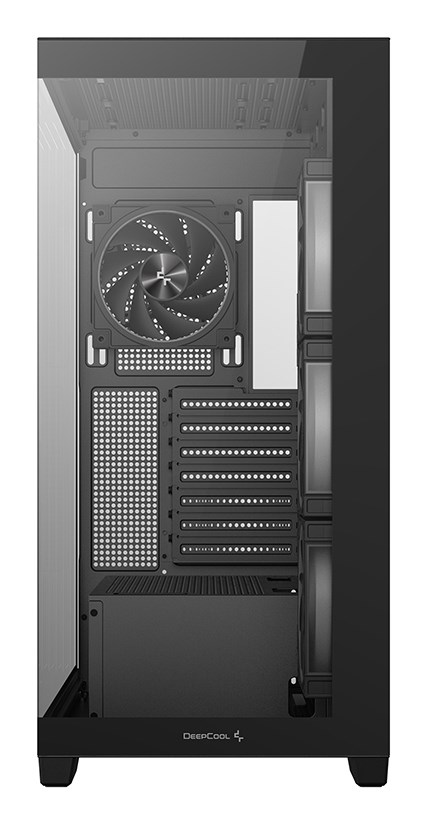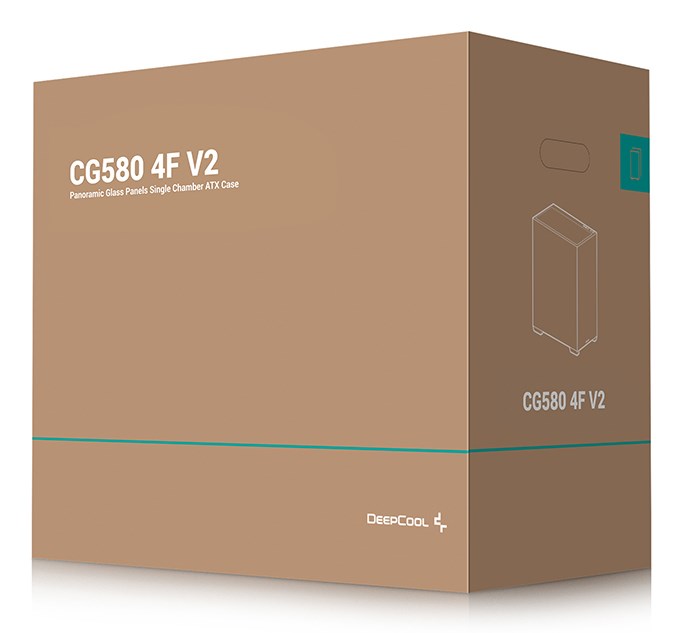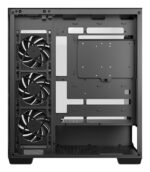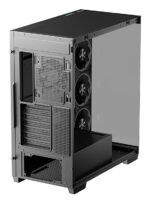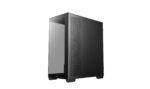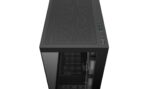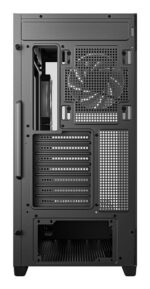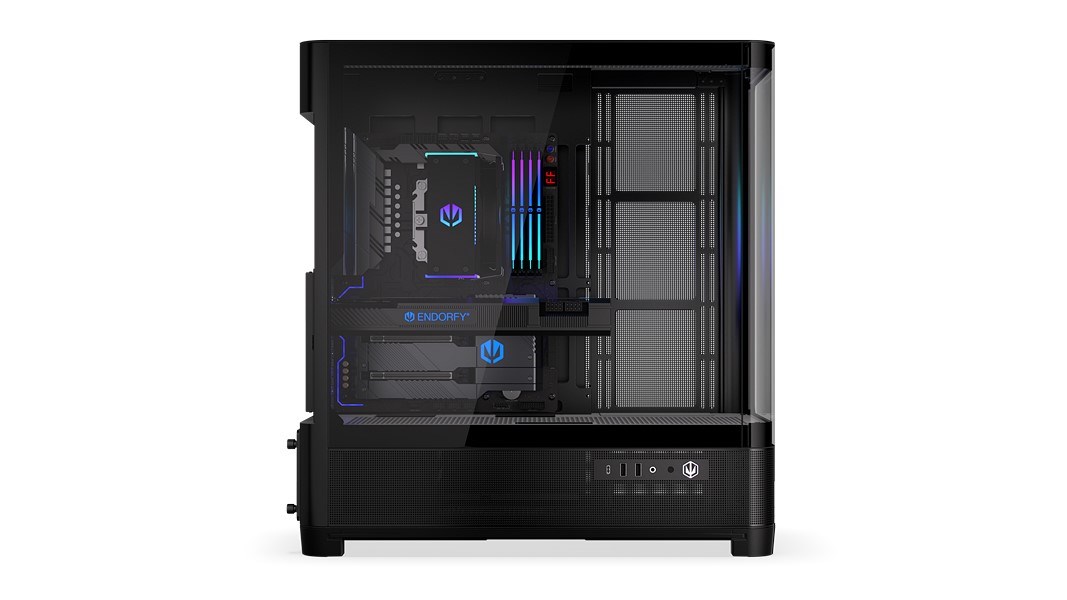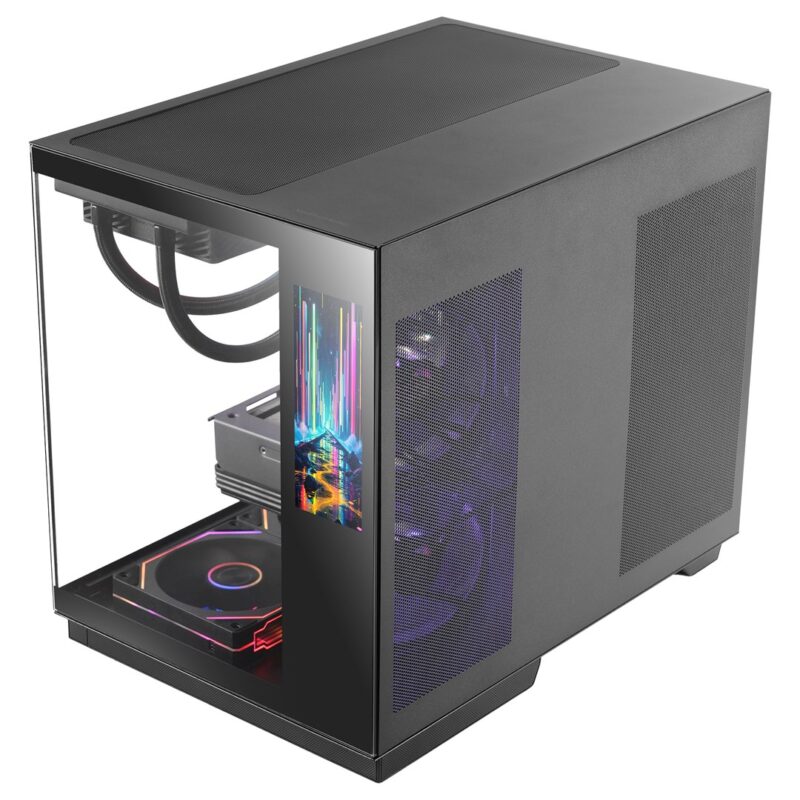


DeepCool CG580 4F V2 Midi Tower Black

Κωδικός προϊόντος: R-CG580-BKADA4-G-2

198,46 

99 σε απόθεμα

99 σε απόθεμα


Deepcool
EAN: 6933412765394

Αποστολή από συνεργαζόμενο ευρωπαϊκό προμηθευτή.

Περιγραφή

DeepCool CG530 4F V2

Innovative Cooling Plus Visual Experience

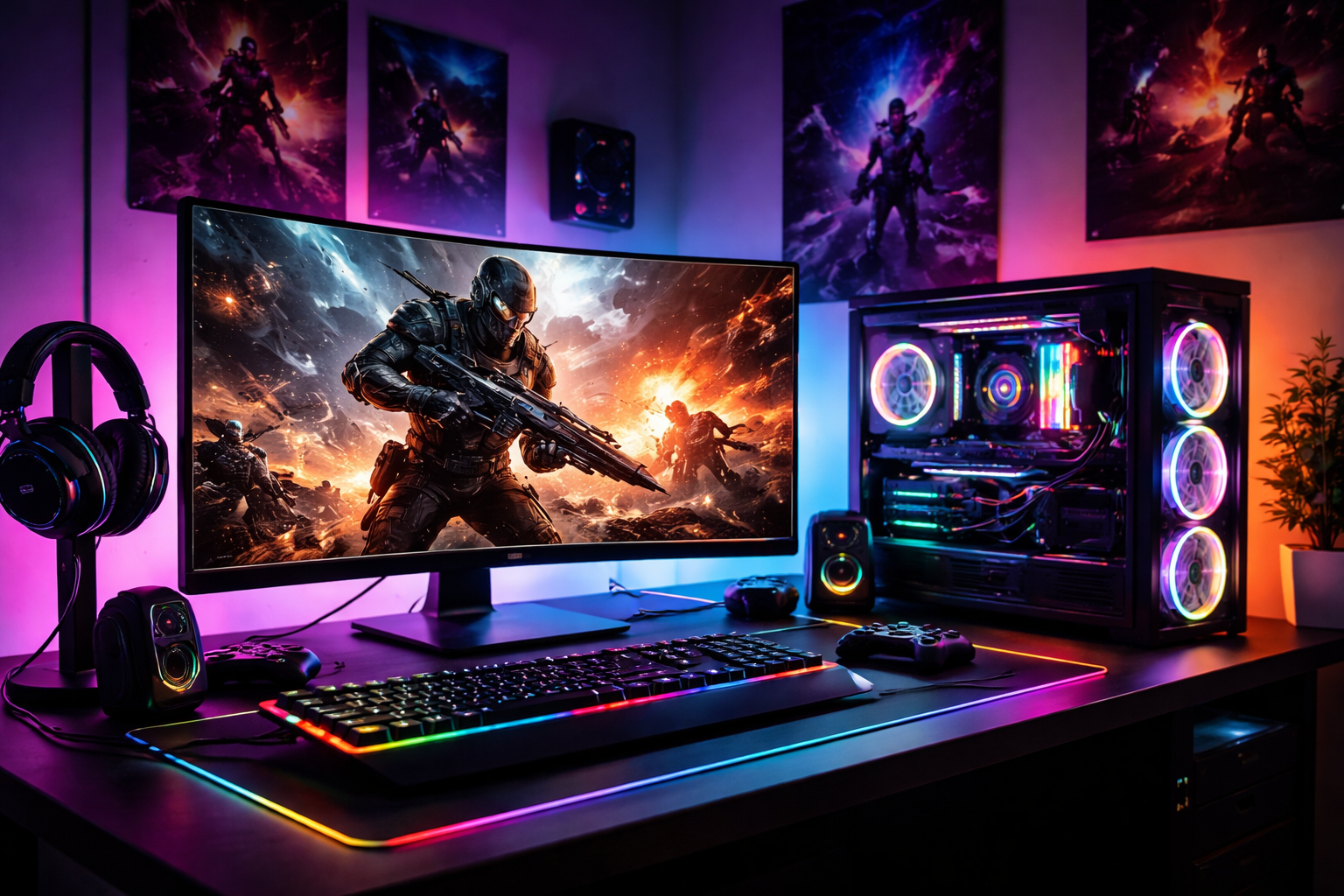
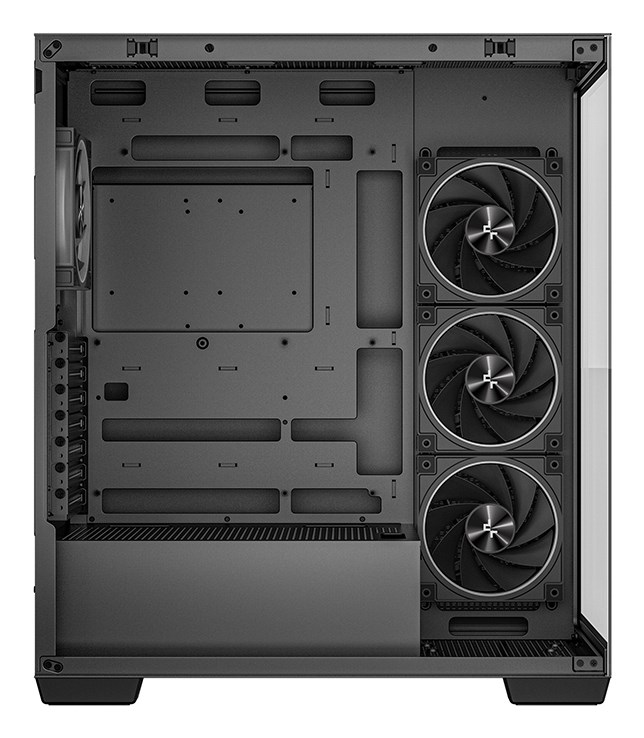
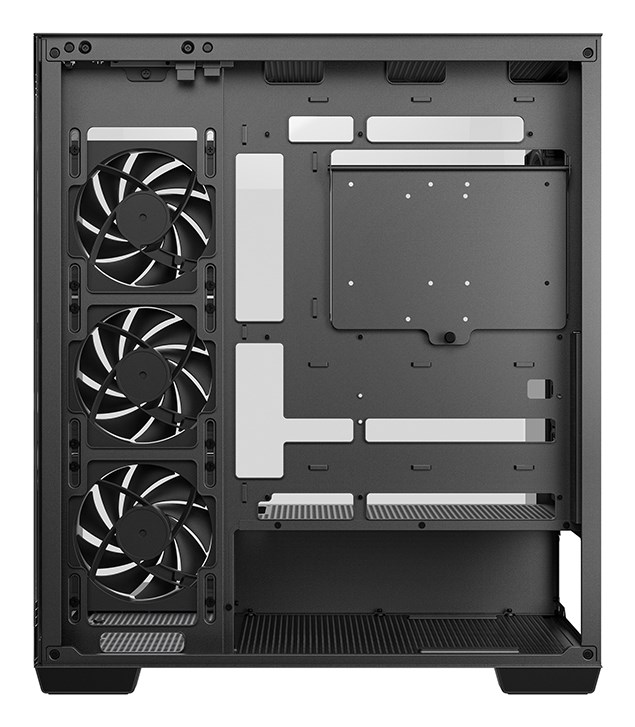
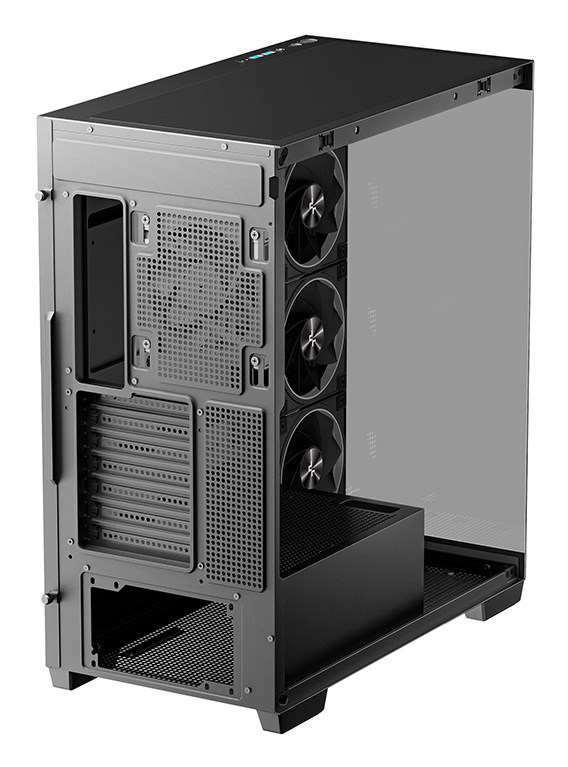
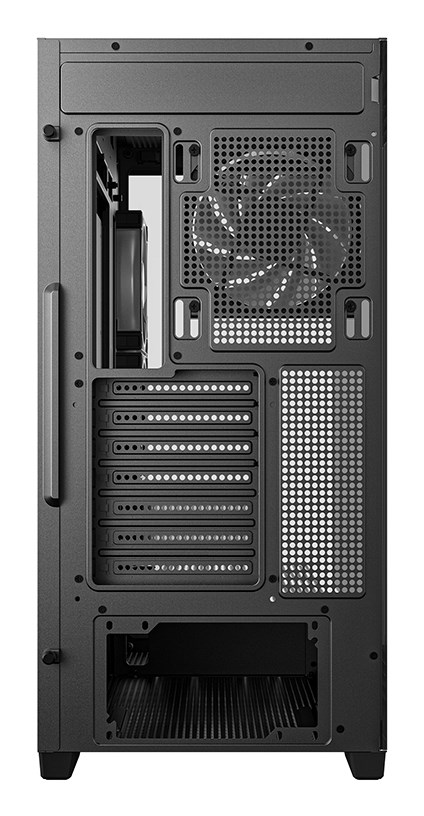
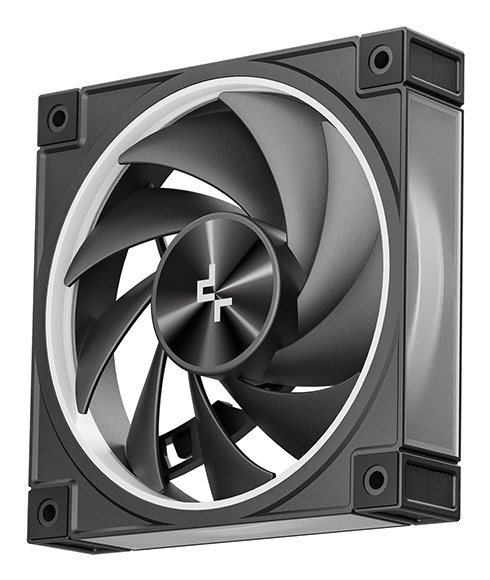
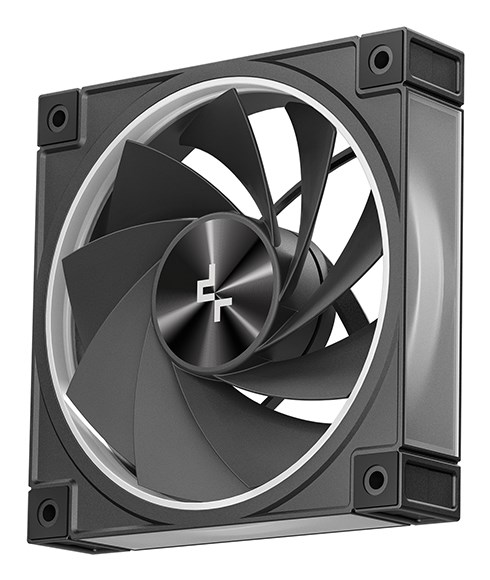
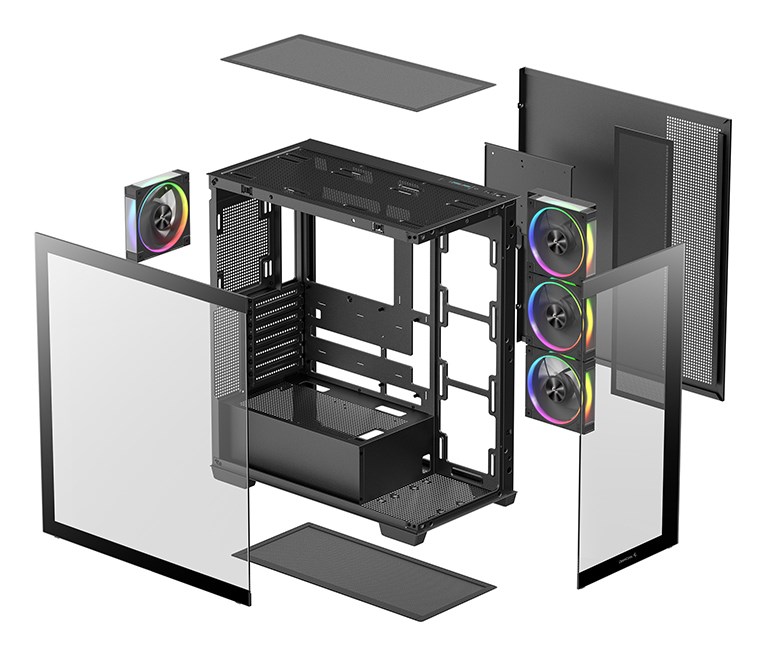
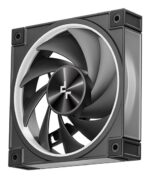
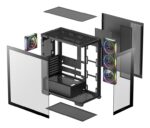
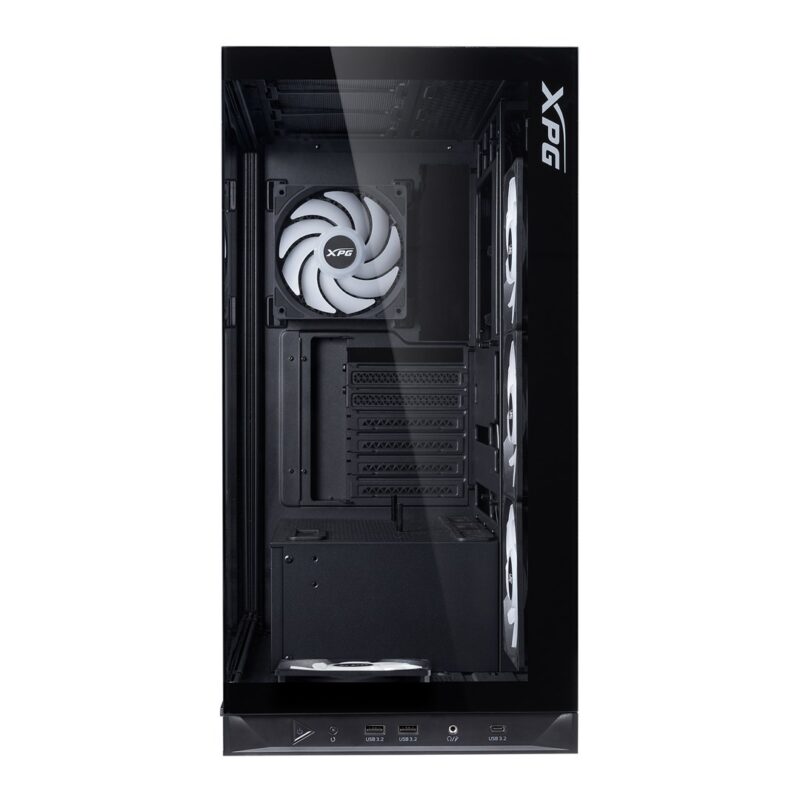
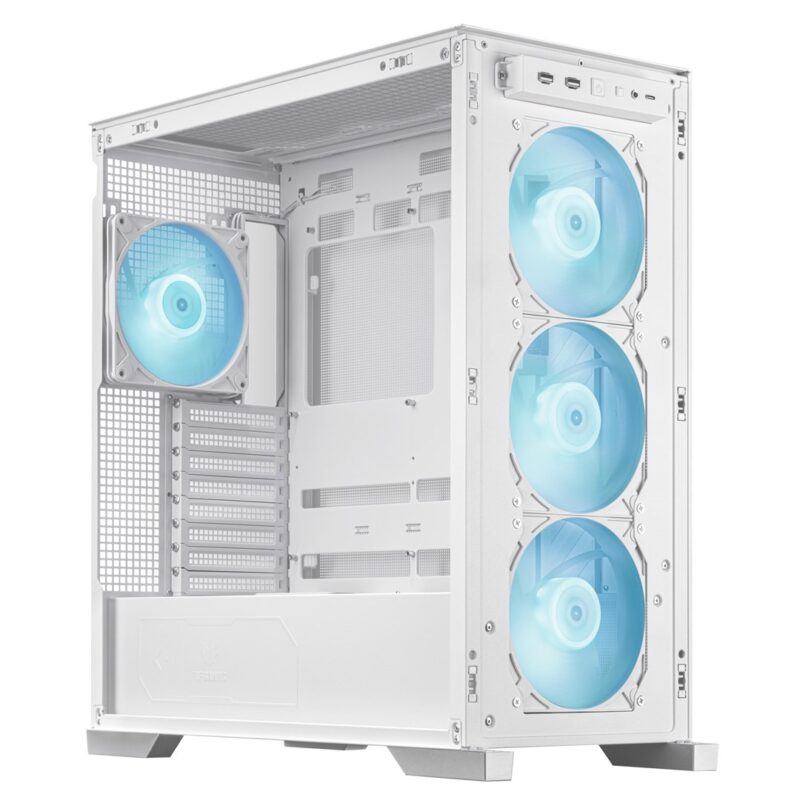
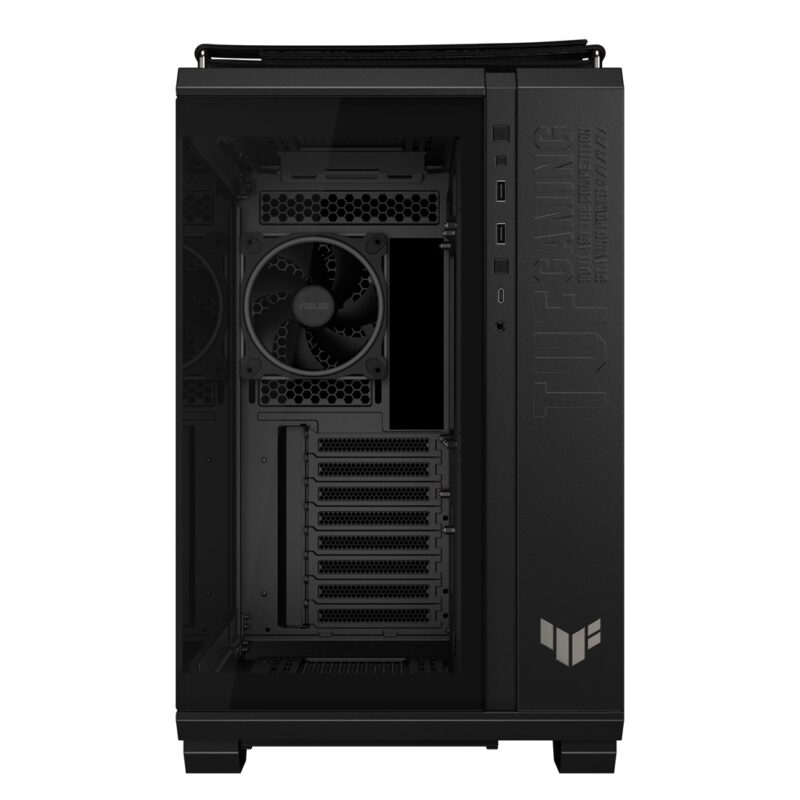
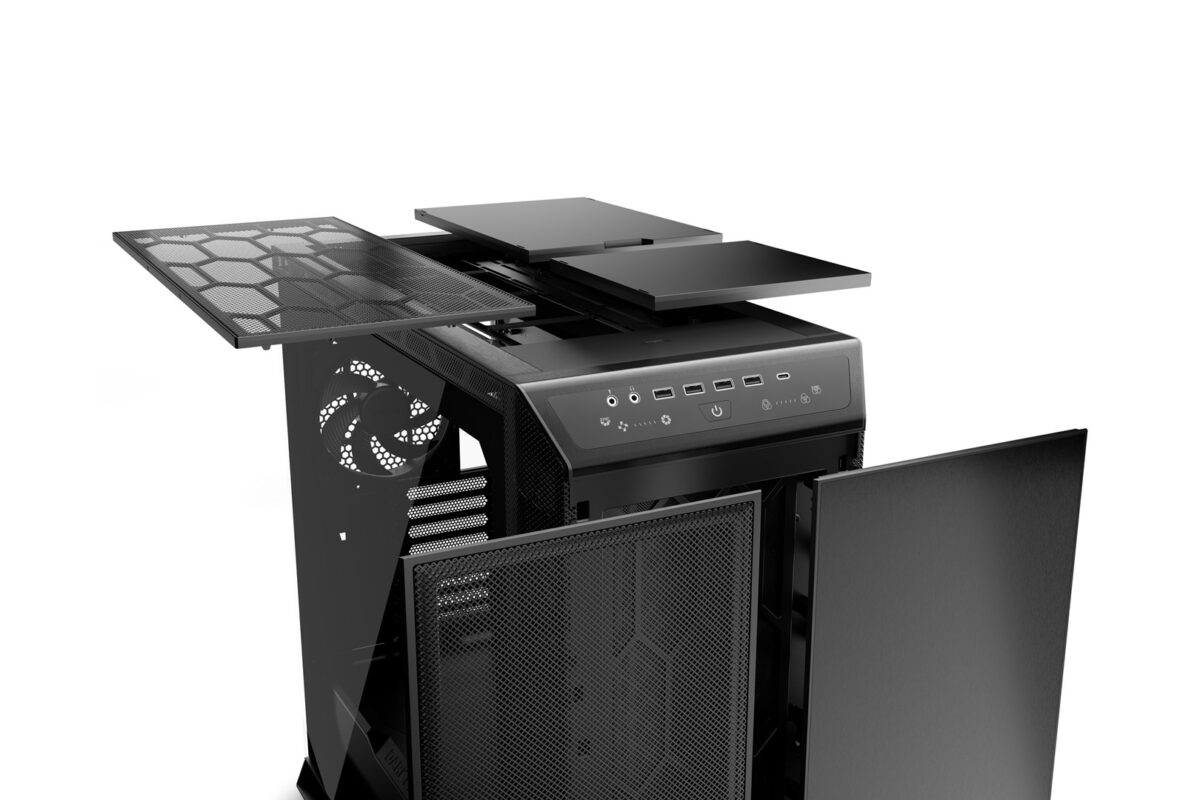
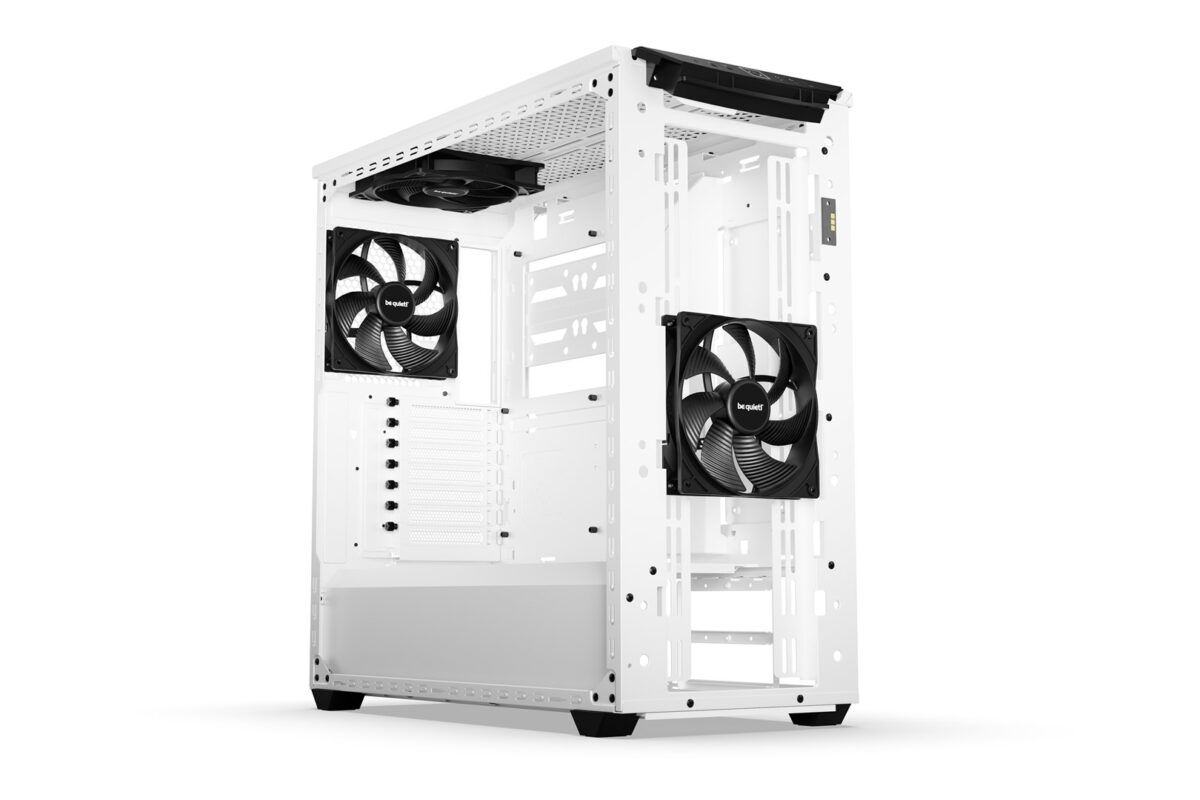
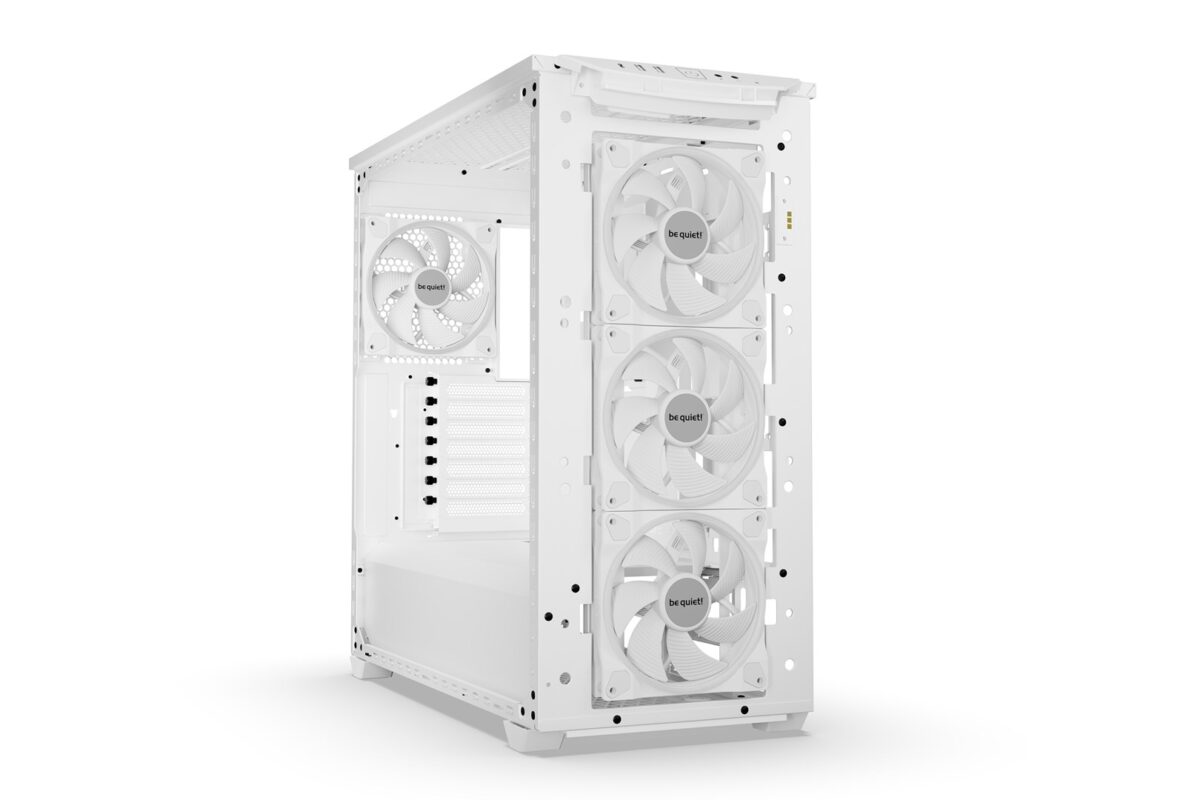
The CG580 4F V2 stands out with a pre-installed cooling setup, which includes three PWM ARGB reverse flow fans on the side and a standard PWM ARGB fan at the rear.

This configuration creates an optimized airflow path that enhances thermal performance. The coordinated ARGB lighting on the fan frames and rings supports synchronization with the motherboard for a unified and dynamic visual effect.

SPECTACULAR VIEW

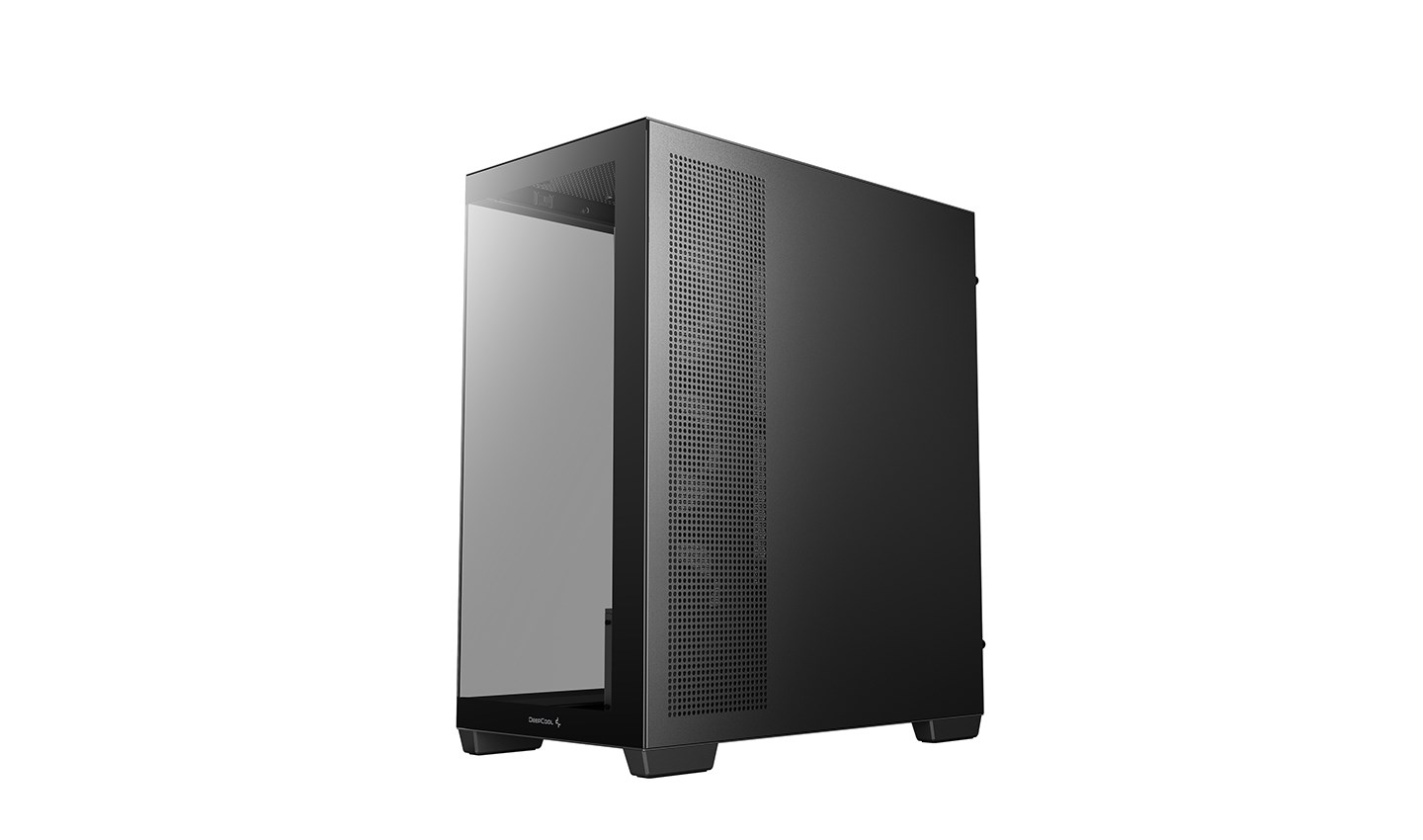
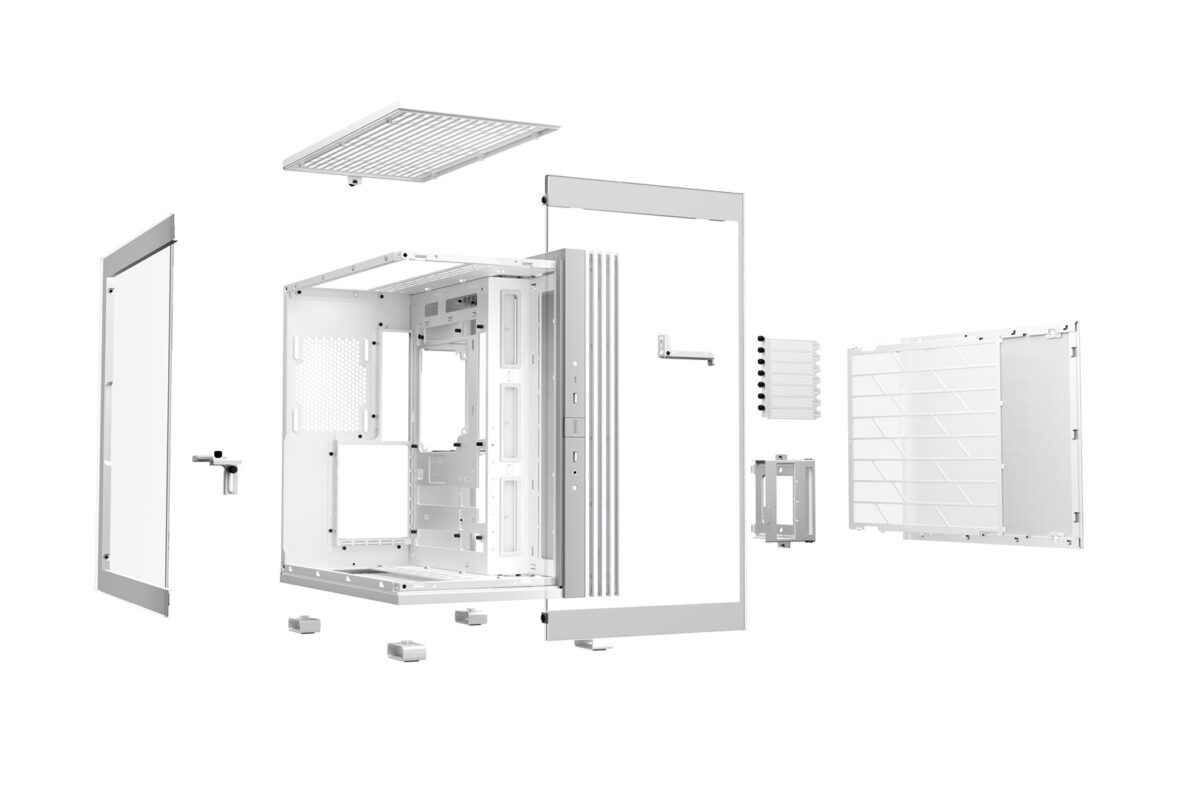
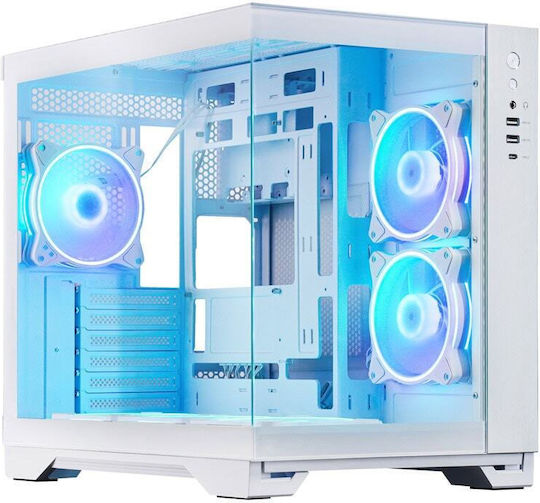
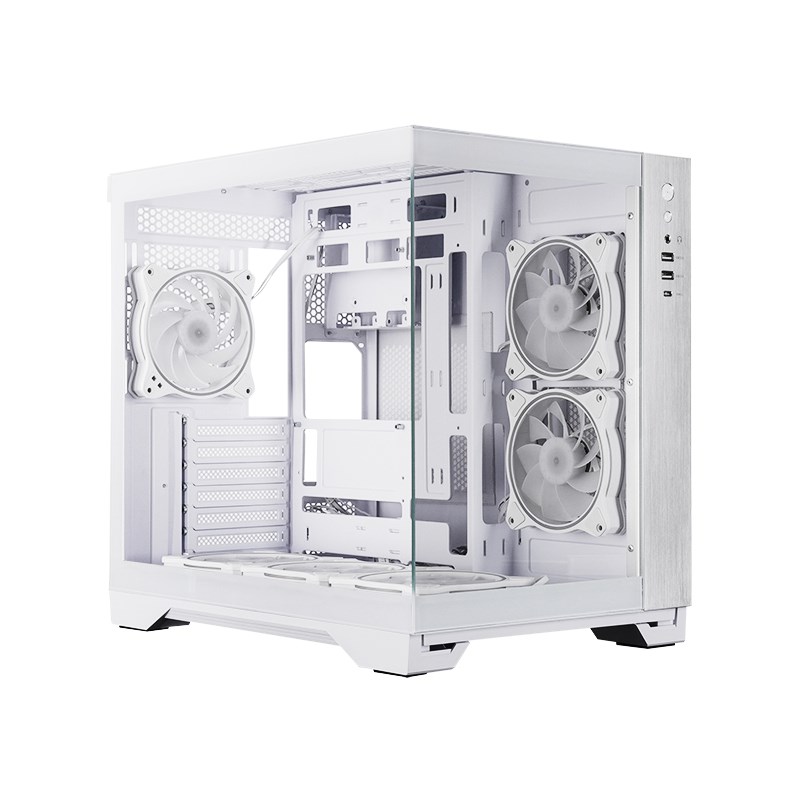
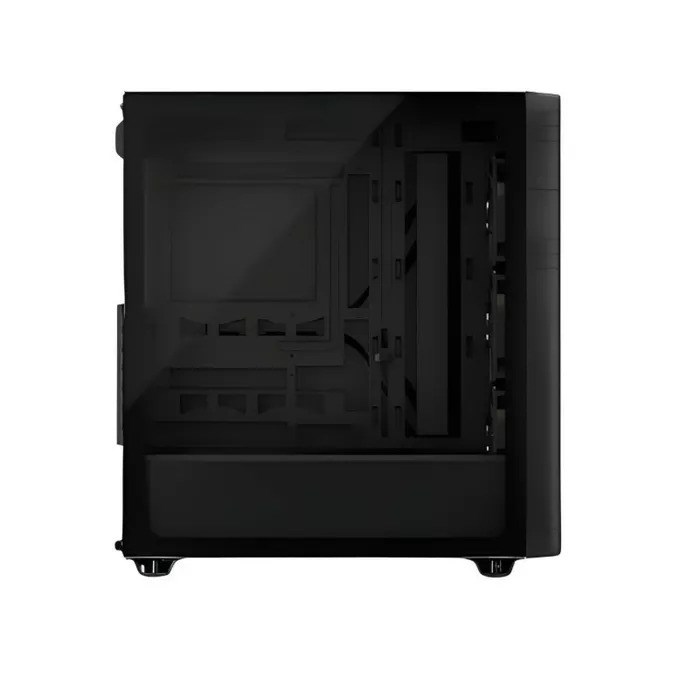
The absence of an A pillar between the front and the side tempered glass panel removes the main obstacle for a clear and uninterrupted view of your incredible build.

Your system will look more elegant and clean thanks to the motherboard tray that can support mainstream motherboard models with back connectors from ASUS and MSI.

LED Button Operating Instructions

Lighting Effect Change

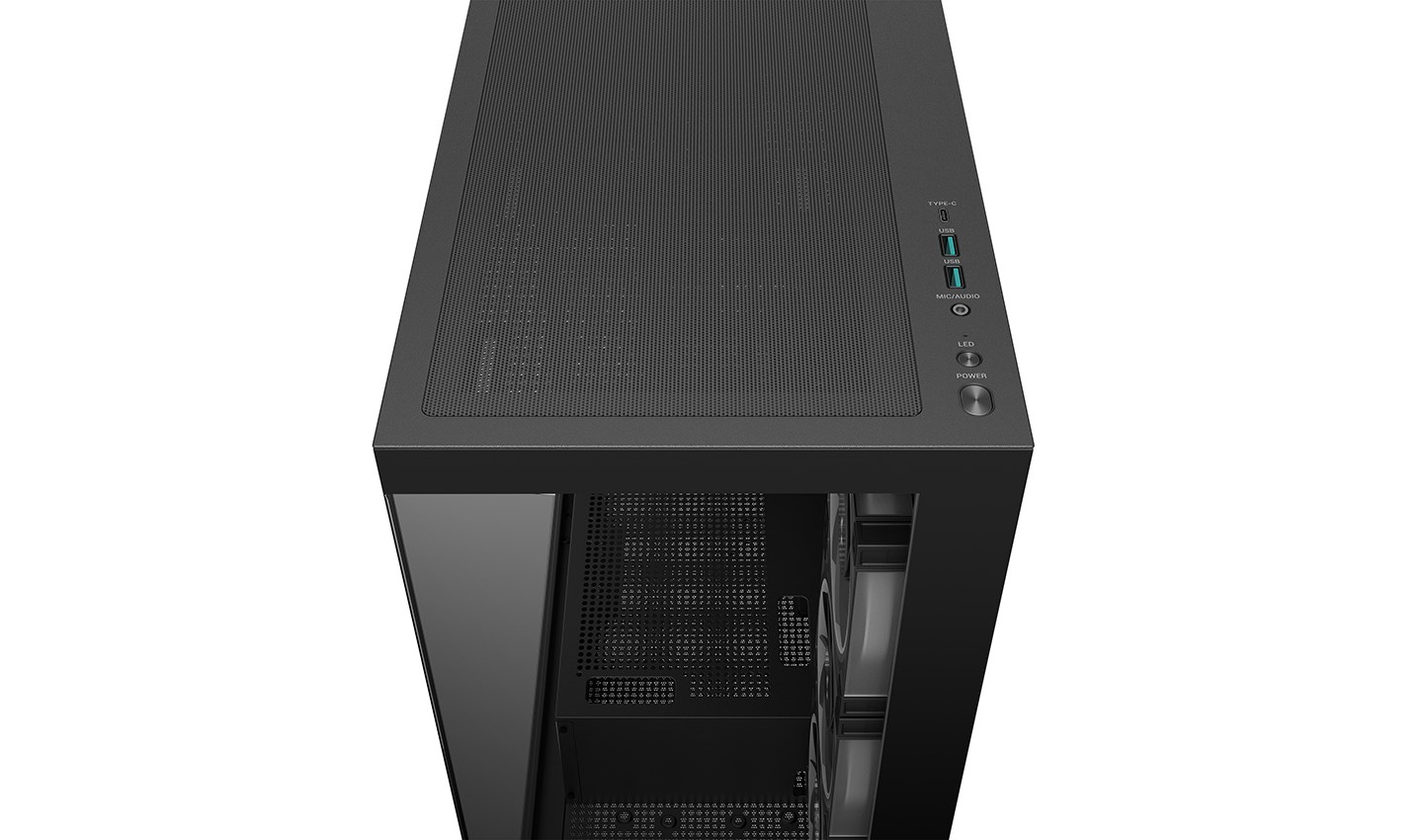
Briefly press the LED button to cycle through the 16 preset lighting effects.

When Connected to the Motherboard Sync Cable

Press and hold the LED button (for about 2-3 seconds) until a white flash appears: Enter motherboard sync mode. The lighting effects will now be controlled by the motherboard.

During Motherboard Sync Mode

Press and hold the LED button for 2 seconds: Exit motherboard sync mode and return lighting control to the case’s lighting control board.

Innovative Cooling Plus Visual Experience

The CG580 4F V2 stands out with a pre-installed cooling setup, which includes three PWM ARGB reverse flow fans on the side and a standard PWM ARGB fan at the rear.This configuration creates an optimized airflow path that enhances thermal performance. The coordinated ARGB lighting on the fan frames and rings supports synchronization with the motherboard for a unified and dynamic visual effect.

SPECTACULAR VIEW

The absence of an A pillar between the front and the side tempered glass panel removes the main obstacle for a clear and uninterrupted view of your incredible build.
Your system will look more elegant and clean thanks to the motherboard tray that can support mainstream motherboard models with back connectors from ASUS and MSI.

LED Button Operating Instructions

Lighting Effect Change
Briefly press the LED button to cycle through the 16 preset lighting effects.
When Connected to the Motherboard Sync Cable
Press and hold the LED button (for about 2-3 seconds) until a white flash appears: Enter motherboard sync mode. The lighting effects will now be controlled by the motherboard.
During Motherboard Sync Mode
Press and hold the LED button for 2 seconds: Exit motherboard sync mode and return lighting control to the case’s lighting control board.

Main Specifications

  • Colour: Black
  • Size: Midi Tower
  • Compatible Motherboard Type: ATX, ITX, Micro ATX

Dimensions

  • Height: 501 mm
  • Width: 235 mm
  • Length: 437 mm

Internal Spaces

  • Maximum Graphics Card Length: 410 mm
  • Maximum Processor Heatsink Height: 176 mm

Drive Bays

  • Internal Hub 3.5": 2
  • Internal Hub 2.5": 2

Fan Positions

  • Rear: 1
  • Side: 3
  • Top Positions: 3
  • Bottom Positions: 1

Water Cooling

  • Radiator Position: Top, Bottom, Front, Side

Specifications

  • Connectivity: Audio, USB 3.0, USB-C
  • Extras: ARGB Lighting, Side Window, Pre-installed Fans
  • Gaming: Yes
  • Airflow: Yes
  • Home & Office: No
  • Briefly press the LED button to cycle through the 16 preset lighting effects.
  • Press and hold the LED button (for about 2-3 seconds) until a white flash appears: Enter motherboard sync mode. The lighting effects will now be controlled by the motherboard.
  • Press and hold the LED button for 2 seconds: Exit motherboard sync mode and return lighting control to the case's lighting control board.
  • Briefly press the LED button to cycle through the 16 preset lighting effects.
  • Press and hold the LED button (for about 2-3 seconds) until a white flash appears: Enter motherboard sync mode. The lighting effects will now be controlled by the motherboard.
  • Press and hold the LED button for 2 seconds: Exit motherboard sync mode and return lighting control to the case's lighting control board.

Χαρακτηριστικά

Επισκόπηση

Βάρος9,9 κ.
Διαστάσεις55 × 235 × 51 cm
Size

Αξιολογήσεις πελατών

Αξιολογήσεις

Δεν υπάρχει καμία αξιολόγηση ακόμη.

Κάνετε την πρώτη αξιολόγηση για το προϊόν: “DeepCool CG580 4F V2 Midi Tower Black”
Η ηλ. διεύθυνση σας δεν δημοσιεύεται. Τα υποχρεωτικά πεδία σημειώνονται με *